
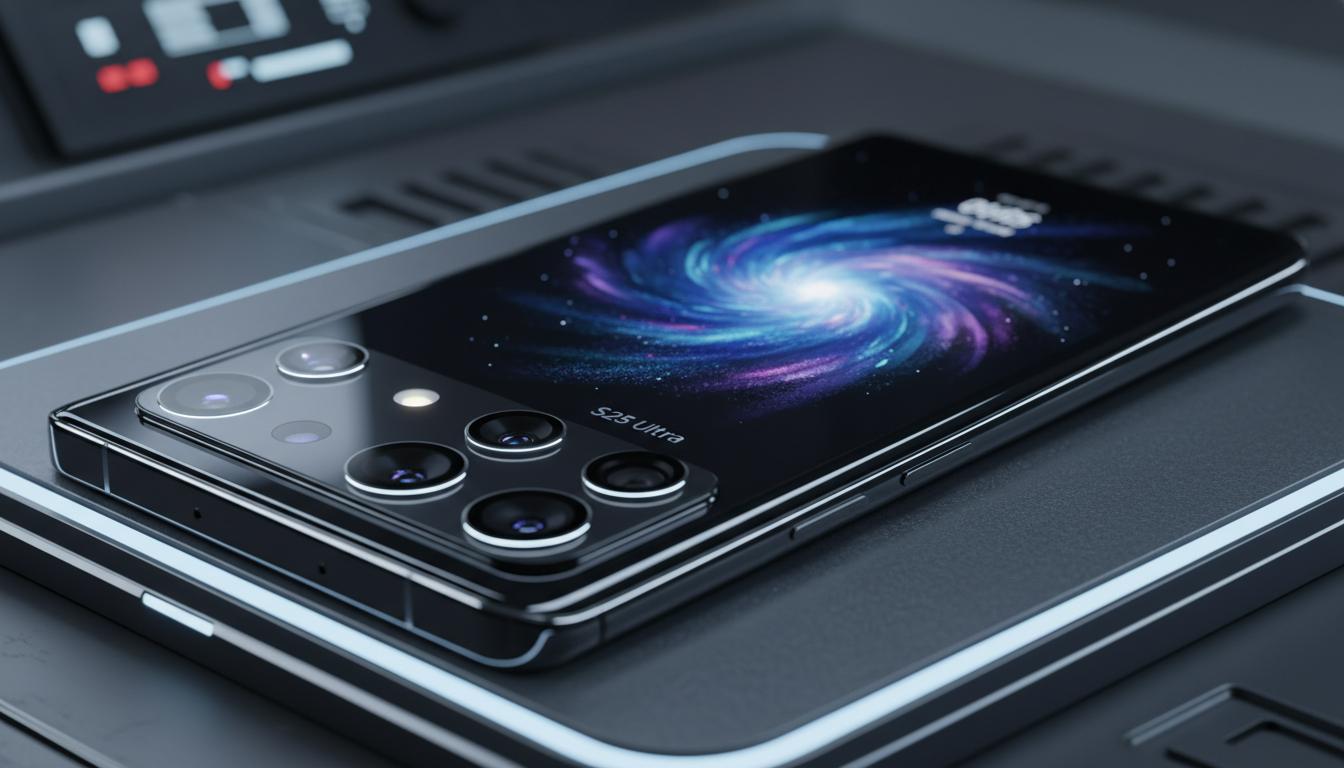
If you’re eyeing the s25 ultra as your next big upgrade, you’re in the right place. This guide explains what the phone is likely to represent in Samsung’s lineup, how its core tech works, how it compares to the options around it, the real pros and cons for Kiwis, and the steps to pick (and set up) the right model for New Zealand networks and life.
What is
The s25 ultra is widely understood to be Samsung’s top-tier Galaxy S-series phone for its generation. In practical terms, it’s the “do-everything” model: the largest screen, the most advanced camera system, the fastest chip available to the range, and the longest software support policy Samsung offers at the time.
- Flagship role: the s25 ultra typically sits above the standard S and S+ versions in size, features, and price.
- Who it’s for: power users, creators, mobile photographers, and anyone who wants the best Samsung experience without moving to a foldable.
- What to check at launch in NZ: official specs from Samsung New Zealand, supported 5G bands (especially n78 and n28), local pricing and storage tiers, and trade-in bonuses from Spark, One NZ (formerly Vodafone), and 2degrees.
Samsung’s recent Ultra phones (S22 Ultra onward) have included an S Pen, long battery life, and class-leading displays. Expect the s25 ultra to follow that template—while you should still confirm the final details once Samsung NZ publishes them.
How it works
Under the glass, a modern Ultra phone is a set of specialised systems working together. Knowing the basics helps you judge real-world performance instead of getting lost in spec sheets.
Core components you’ll care about
- System-on-chip (SoC): the CPU and GPU that drive apps, games, and AI features. It determines responsiveness, battery efficiency, and how well the phone stays cool under load.
- Display: expect a large LTPO OLED panel with adaptive refresh (typically 1–120 Hz) for smooth scrolling that dials down to save power.
- Cameras: a high-resolution main sensor, ultra‑wide, and multiple telephoto lenses are common in the Ultra line. Computational photography fuses frames and uses AI to clean noise, sharpen detail, and balance exposure.
- Battery and charging: capacity is only half the story; power management, adaptive refresh, and efficient silicon matter just as much. USB‑C PD (often PPS) chargers deliver the fastest safe speeds.
- Connectivity: in NZ, look for robust 4G on bands 1/3/7/28 and 5G Sub‑6 on n78 (3.5 GHz) and, where deployed, n28 (700 MHz) for rural reach. eSIM is widely supported by major carriers.
- Software and updates: Samsung’s recent flagships launched with long OS and security support. Check the s25 ultra’s promised years of updates once announced.
Why it matters in New Zealand
- Coverage: rural users benefit from low‑band spectrum (like band 28) for distance and building penetration. Urban users will see higher 5G speeds on n78.
- Payments: NFC works with bank-supported apps (including Google Pay and, where available, Samsung Wallet). Confirm your bank’s compatibility.
- Voice and Wi‑Fi calling: all three major NZ carriers support VoLTE and Wi‑Fi Calling on recent Samsung flagships—useful in bach country or concrete apartments.
Types / examples
Samsung usually sells three S-series tiers. If you’re deciding where the s25 ultra fits, think of the roles:
- Galaxy S (base): compact, best value, fewer camera tricks, smaller battery.
- Galaxy S+ (mid): bigger screen and battery than base, still lighter than Ultra.
- s25 ultra (top): the lot—largest screen, best zoom, premium materials, S Pen on recent Ultras, and the most RAM/storage options.
Outside Samsung, common NZ alternatives include Apple’s Pro Max iPhones (for iOS users) and Google’s Pixel Pro models (for clean Android and computational photography). If you’re split between ecosystems, weigh camera colour science, update windows, app preferences, and messaging platforms your friends use.
| Feature | Galaxy S24 Ultra (NZ reference) | What to confirm on s25 ultra (NZ) |
|---|---|---|
| Chipset | Snapdragon 8 Gen 3 for Galaxy in the Ultra | Which chip NZ gets, and thermal performance under load |
| Display | ~6.8″ LTPO OLED, 1–120 Hz, high peak brightness | Size, brightness outdoors, PWM comfort, anti‑reflective glass |
| Camera system | High‑res main + ultra‑wide + dual telephoto | Sensor sizes, low‑light quality, zoom consistency, video crop/AF |
| Battery | ~5000 mAh class, fast charge via USB‑C PD PPS | Real‑world screen‑on time, supported PD PPS wattage, heat |
| S Pen | Included with silo (on Ultra) | Whether s25 ultra retains S Pen and latency improvements |
| Updates | Long OS and security support (multi‑year) | Official years of OS + security updates in NZ |
| NZ networks | Strong 4G/5G Sub‑6 support | n78/n28 confirmation, carrier aggregation combos, eSIM/dual SIM |
| Build | Tough glass with reduced reflections, premium frame | Materials, IP rating, weight and grip with a case |
Pros and cons
Why Kiwis love the Ultra
- Display you can read on a sunny beach: large, bright, and adaptive for power savings.
- Top‑tier cameras: reliable point‑and‑shoot results and real zoom reach for landscapes and wildlife.
- Longevity: premium materials and long software support add years of life.
- Productivity: recent Ultra models include an S Pen for notes, signing PDFs, and quick sketches.
- Connectivity: excellent 4G/5G support for NZ carriers and stable Wi‑Fi/Bluetooth.
Where it may not fit
- Size and weight: the s25 ultra will likely be big. One‑hand use and pocket comfort can be a stretch.
- Price: Ultra models command a premium. Even with trade‑ins, expect a spend north of mid‑range phones.
- Overkill factor: if you don’t need the camera or S Pen advantages, an S or S+ might be smarter value.
- Repair costs: premium glass and complex cameras mean pricier repairs—case and screen protector recommended.
- 5G expectations: NZ doesn’t widely use mmWave; the s25 ultra’s Sub‑6 performance matters most here.
How to use or choose
Step‑by‑step: choosing and setting up the s25 ultra in New Zealand
- Verify the exact model for NZ: check Samsung New Zealand’s site for the local variant and supported 4G/5G bands (especially n78 and n28).
- Pick your carrier: compare Spark, One NZ, and 2degrees for coverage where you live, commute, and holiday. Use their coverage maps and ask friends nearby.
- Decide on storage: choose enough for 2–3 years. Shooters who film 4K should consider higher tiers because Ultra models usually skip microSD.
- Check trade‑in and promos: Samsung NZ and carriers often offer bonus credit, earbuds, or subscription trials during pre‑order windows.
- Buy the right charger: choose a USB‑C PD PPS charger rated 45–65 W from a reputable brand. It will fast‑charge most modern Samsungs and laptops.
- Move your data with Smart Switch: install on your old phone, connect via USB‑C cable, and transfer apps, SMS, photos, and settings smoothly.
- Activate eSIM: request an eSIM QR from your carrier, scan it in Settings, and enable Wi‑Fi Calling for patchy coverage areas.
- Secure the phone: set a strong passcode, register fingerprint and face unlock, turn on Find My Mobile, and enable automatic updates.
- Tune battery settings: leave adaptive refresh on, enable adaptive battery, and review background usage for power‑hungry apps.
- Sort payments and transit: add your bank card to Google Pay or Samsung Wallet (where supported), and save your HOP or other transit options if available.
Buying tips specific to NZ
- Consumer rights: the Consumer Guarantees Act protects you if the product is not of acceptable quality. Keep receipts and document issues.
- Parallel imports: if you import a s25 ultra, check band support, eSIM compatibility, Samsung Wallet region limits, and local warranty coverage.
- Cases and screen protection: NZ conditions swing from beaches to tramps—use a quality case with grip and a tempered or hybrid screen protector.
- Backup: enable Google Photos or your preferred cloud and schedule local backups for peace of mind.
FAQ
Is the s25 ultra available in New Zealand?
Samsung’s Galaxy S series typically launches early in the year with NZ availability soon after. Check Samsung New Zealand or authorised retailers for current stock and pre‑order timing.
How much will the s25 ultra cost in NZ?
Ultra models usually sit at the top of Samsung’s price ladder. Expect premium pricing, often over NZ$2,000 depending on storage and promotions. Confirm final RRP with Samsung NZ.
Does the s25 ultra support dual SIM or eSIM here?
Recent Samsung flagships support eSIM and dual SIM in many regions. Check the NZ variant’s SIM configuration on Samsung’s site and your carrier’s eSIM support page.
Which charger should I buy?
A USB‑C Power Delivery PPS charger (45–65 W) from a trusted brand covers fast charging for most Samsung flagships and many laptops. A 5 A USB‑C cable helps achieve top PPS rates.
Will my old S Ultra case fit the s25 ultra?
Almost certainly not. Camera islands, button placement, and dimensions tend to change each generation. Buy a case made for the exact model.
What 5G bands do I need in NZ?
For the best experience: 4G bands 1/3/7/28 and 5G Sub‑6 bands n78 and, where offered, n28. These cover most urban and rural scenarios across Spark, One NZ, and 2degrees.
How many years of updates will the s25 ultra get?
Samsung has offered long OS and security support on recent S flagships. Confirm the official update policy for the s25 ultra on Samsung NZ at launch.
Can I use the s25 ultra for work in NZ?
Yes. Expect strong VPN, MDM (like Intune/Knox), and passkey support. Check with your IT team for approved models and required security settings.
Is the s25 ultra good for travel?
It’s excellent for maps, photos, and offline media. Enable eSIM where available, carry a compact PD charger, and pack a rugged case if you’re heading off‑trail.
Should I upgrade from an S24 Ultra?
Only if the s25 ultra brings clear wins you’ll use—meaningfully better low‑light photos, battery life, AI features you’ll rely on, or a display that’s easier on your eyes. Otherwise, you may be fine to wait another cycle.
Bottom line
The s25 ultra is Samsung’s no‑compromise slab phone: big, capable, and built for years of use. For New Zealand buyers, the smart move is simple—confirm the NZ model’s bands and update policy, pick the storage tier you’ll actually use, line up a good trade‑in, and protect it on day one. Do that, and you’ll get the most out of everything the s25 ultra brings to Aotearoa.